What is Cyber Hygiene and Why It’s Crucial for Entrepreneurs
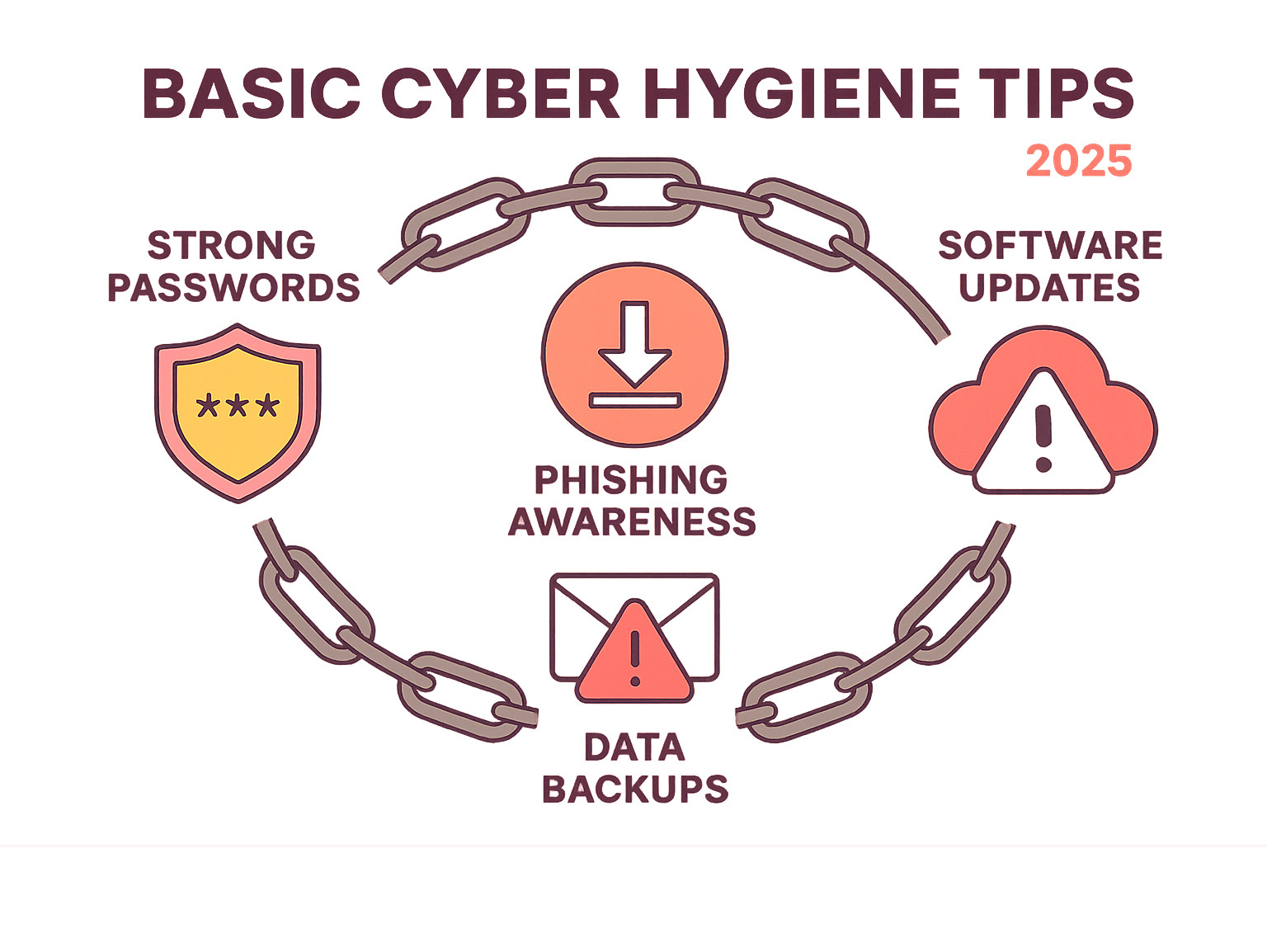
Basic cyber hygiene tips are the essential security habits that protect your business from digital threats, much like personal hygiene protects you from germs. For entrepreneurs, making these practices a daily routine is crucial for maintaining system health and security.
Core practices include:
- Strong, unique passwords for every account.
- Two-factor authentication to add an extra security layer.
- Regular software updates to patch security holes.
- Phishing awareness to avoid clicking malicious links.
- Consistent data backups to multiple locations.
- Secure Wi-Fi with strong encryption, avoiding public networks for sensitive work.
Neglecting these practices can lead to financial losses, a damaged reputation, lost productivity, and legal troubles. With 85% of data breaches involving a human element and the average breach costing companies $4.24 million, strong cyber hygiene isn’t optional—it’s a matter of business survival. As remote work becomes standard, your digital security directly impacts your success. The good news is that most threats are preventable with these simple, consistent habits.
Fortifying Your Digital Gates: Access Control and Authentication
Think of your digital accounts as the entrance to your business. Weak passwords and poor authentication are like leaving the door wide open. As an entrepreneur, your digital life is your business life—your email holds contracts, your cloud stores financial records, and your social media is your brand. Basic cyber hygiene tips begin with strong digital gates to keep intruders out.
The goal of access control is to make it extremely difficult for unauthorized users to get in while keeping it manageable for you.
Creating and Managing Unbreakable Passwords
Shockingly, “password” and “123456” remain common passwords. This is the digital equivalent of hiding your key under the doormat.
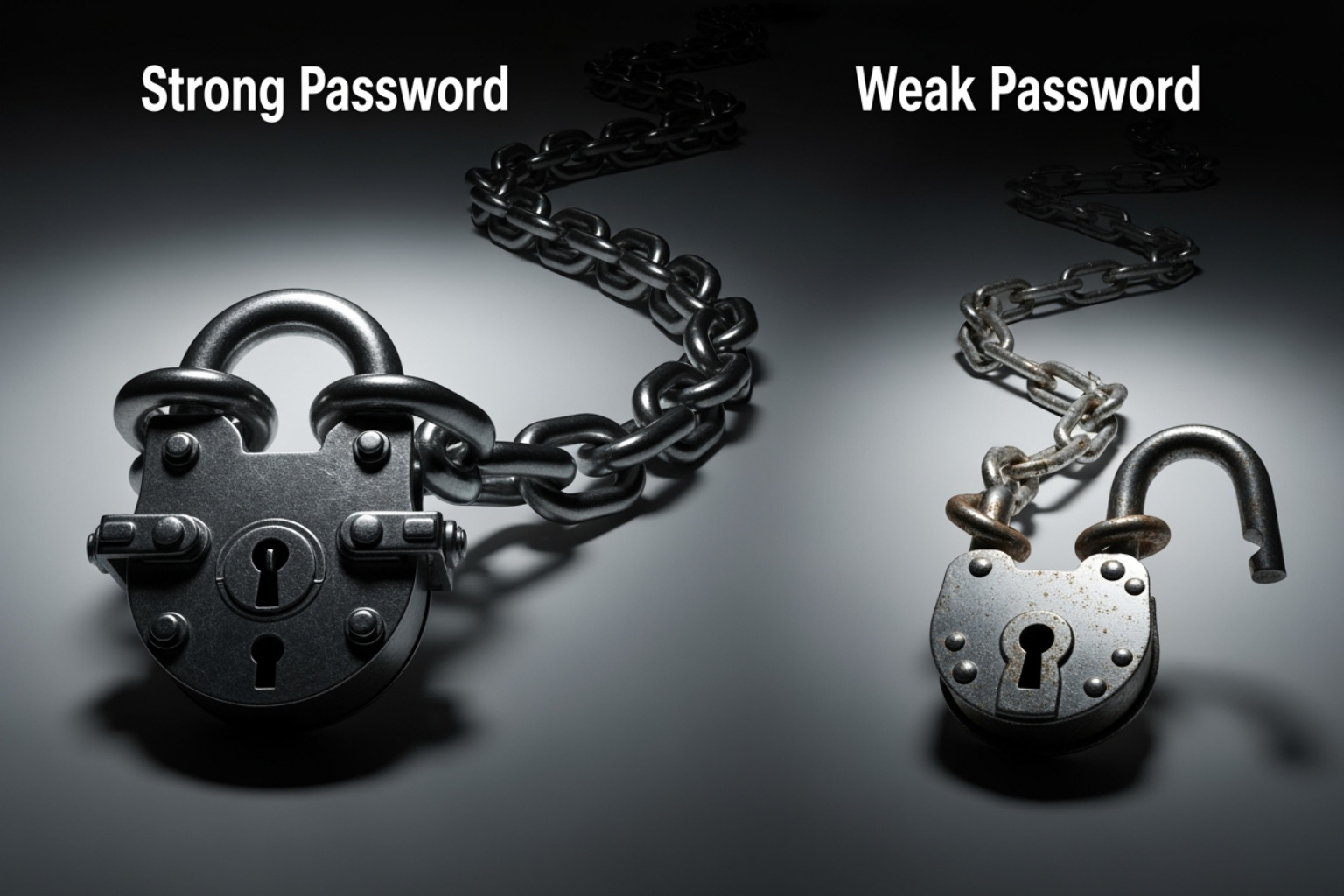
Your password is often the only barrier between hackers and your business data. Here’s how to make it strong:
- Length is key: Aim for at least 16 characters. A long password can take a computer millions of years to guess, while a short one might fall in hours.
- Complexity adds protection: Mix uppercase, lowercase, numbers, and symbols. Better yet, use a passphrase by stringing together four random words like “BlueTreeElephantCloud.” It’s longer, stronger, and easier to remember.
- Uniqueness is non-negotiable: Reusing passwords is like having one key for your house, car, and office. If one is compromised, everything is at risk. For example, a hacked gym membership database once led criminals to an entrepreneur’s business banking because she reused the same password.
Password managers are essential tools. They generate, store, and fill strong, unique passwords for every account. You only need to remember one master password. For more on choosing the right tech, check out our Tech Category.
The Power of Two-Factor Authentication (2FA)
Even the best password can be stolen. Two-Factor Authentication (2FA) is your digital bodyguard, requiring a second form of verification. This is based on combining “something you know” (your password) with “something you have” (your phone) or “something you are” (your fingerprint).
When you log in with 2FA, you enter your password and then provide a second credential, like a code from an authenticator app or a fingerprint scan.
- Authenticator apps (like Google Authenticator or Authy) are more secure than SMS codes because they generate time-sensitive codes that expire quickly.
- Biometric options like fingerprint or face scans are convenient and increasingly common.
2FA is critical because even if a criminal steals your password, they can’t access your account without the second factor. Enable it on all important accounts: email, banking, cloud storage, and social media. The minor inconvenience of an extra login step is a small price to pay to avoid a devastating breach.
Essential Device and Network Security Practices
Your devices and networks are the foundation of your digital business. Protecting them is a core part of basic cyber hygiene tips. Once set up, many of these protections run automatically, acting as a 24/7 security team.
The ‘Update Now’ Imperative: Keeping Software and Systems Current
Those persistent update notifications are your best defense against cyber threats. Software has vulnerabilities that hackers exploit. Companies release patches to fix these flaws, and delaying updates leaves you exposed.
Zero-day exploits, which target newly finded vulnerabilities, are particularly dangerous. The only defense is to stay current. Regularly update your operating system, applications, web browsers, and router firmware. Enable automatic updates whenever possible, scheduling them for off-hours to avoid interrupting your workflow.
Your Digital Bodyguard: The Role of Security Software and Firewalls
Good security software is like a personal bodyguard for your devices.
- Anti-malware tools scan files, emails, and downloads for malicious code like viruses, ransomware, and spyware. Run regular scans and keep the software’s threat definitions updated.
- Firewalls act as a security checkpoint for your network, examining all incoming and outgoing traffic. They block unauthorized access to your systems. Most operating systems have built-in firewalls; ensure yours is enabled.
Locking Down Your Connection: Securing Wi-Fi Networks
An unsecured Wi-Fi network is an open door for hackers.
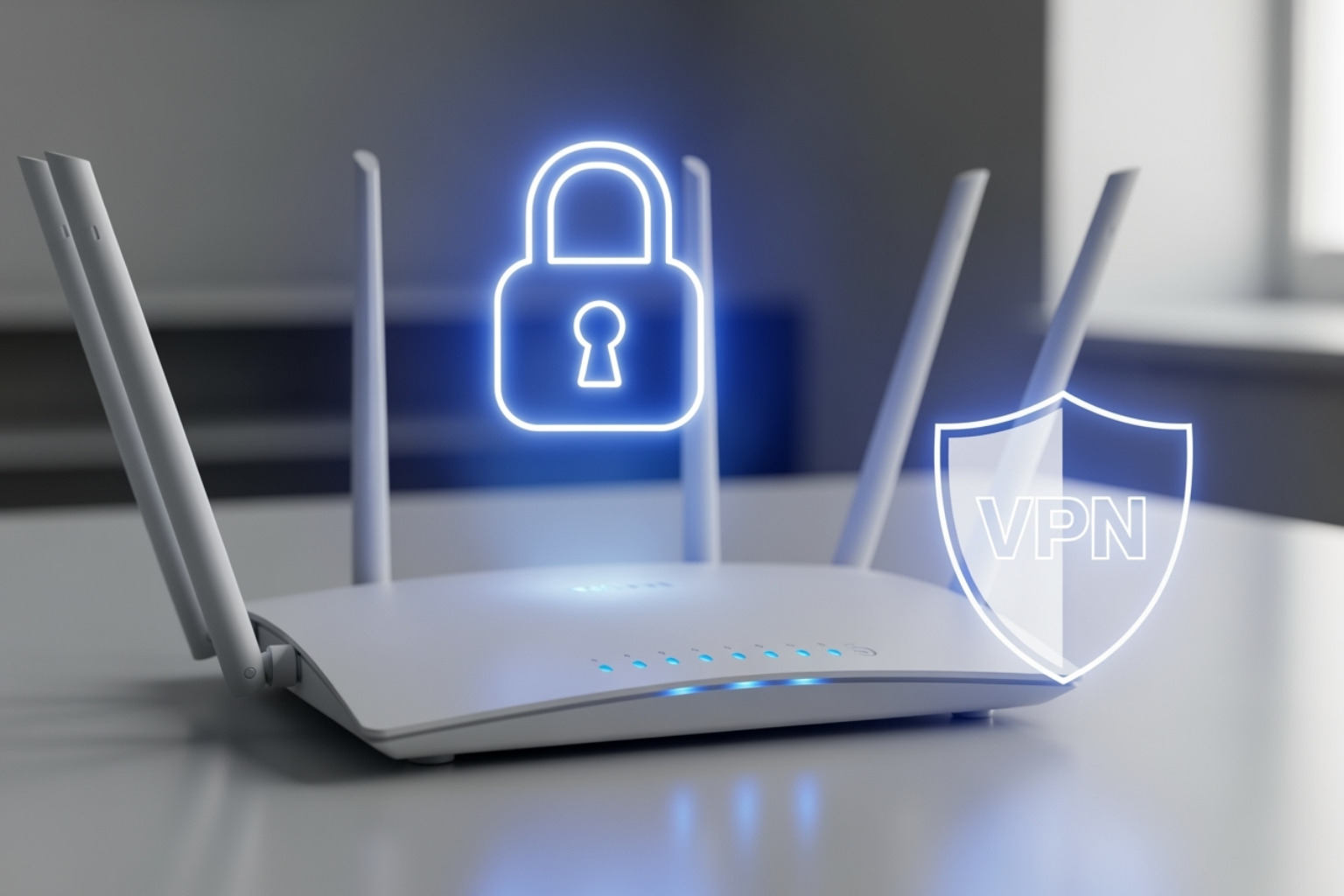
- Use strong encryption: Ensure your network uses WPA3, the latest standard. If your router is old, consider an upgrade.
- Change default router passwords: Hackers know the default credentials. Change them immediately.
- Hide your SSID (network name): This makes it harder for casual attackers to find your network.
- Create guest networks: Keep visitors off your main business network to protect sensitive data.
Be wary of public Wi-Fi. These networks are often unencrypted and unsafe for business. If you must use one, always connect through a reputable VPN service. A VPN encrypts your data, creating a secure tunnel that protects you from snooping. This is essential for securing remote connections.
Building Your Human Firewall: Awareness and Data Protection
Since 85% of data breaches involve a human element, your strongest defense is a “human firewall.” This means training yourself and your team to recognize threats and protect data. Your people are your greatest vulnerability but also your best defense.
Phishing and Social Engineering: Don’t Take the Bait
Phishing is when criminals use fake emails, texts, or calls to trick you into giving up sensitive information. Social engineering is the broader term for these manipulation tactics.
How to spot a phishing attempt:
- Urgent requests: Scammers create a false sense of urgency, like threatening to close an account.
- Poor grammar and spelling: Professional communications are typically polished.
- Generic greetings: Legitimate companies will use your name, not “Dear Customer.”
- Mismatched links: Hover over a link to see its true destination before clicking.
Smishing (SMS phishing) uses these same tactics via text. When in doubt, verify independently. Go directly to the organization’s website or call a known number.
The Ultimate Safety Net: Best Practices for Data Backup
Data loss can happen from ransomware, where criminals encrypt your files and demand payment, or more commonly, from hardware failure. A solid backup strategy is your ultimate safety net.
Follow the 3-2-1 backup rule: Keep 3 copies of your data on 2 different formats (e.g., cloud and external drive), with 1 copy offsite.
- Cloud storage offers automated, offsite backups.
- External hard drives provide quick, local access.
Crucially, test your backups regularly by restoring a few files. A backup that can’t be restored is useless. Automate daily backups for critical business data.
Fostering a Culture of Security Through Continuous Education
Cybersecurity awareness is an ongoing process, not a one-time event. The threat landscape is constantly changing, so continuous learning is essential for staying ahead of criminals. Sharing knowledge about basic cyber hygiene tips creates a stronger, more resilient team.
Here are reliable sources for staying current on cybersecurity:
- CISA (Cybersecurity and Infrastructure Security Agency) – Government resources and threat alerts.
- NIST (National Institute of Standards and Technology) – Cybersecurity frameworks and best practices.
- KrebsOnSecurity – In-depth reporting on cybercrime trends.
- BleepingComputer – Technical news and threat analysis.
- The Hacker News – Daily cybersecurity updates.
Building your human firewall is about developing good habits: think before you click, verify before you trust, and back up before it’s too late.
A Checklist of Basic Cyber Hygiene Tips for Your Business
As a business owner, your basic cyber hygiene tips must extend to protecting customer data, business systems, and your team. These organizational practices build on personal cybersecurity habits. For more details, see our Basic Cyber Security Tips.
Essential organizational basic cyber hygiene tips
- Asset Inventory: You can’t protect what you don’t know you have. List all devices, software, and accounts.
- Principle of Least Privilege (PoLP): Give people only the minimum access required for their jobs. For example, a social media manager doesn’t need access to accounting software.
- Access Control Reviews: Regularly review user accounts and permissions. Remove access for former employees and adjust permissions for current team members.
- Vulnerability Management: Stay on top of updates and patches. Use automatic updates and regularly scan for security holes.
- Secure Hardware Disposal: Simply deleting files isn’t enough. Use secure erase functions or professional data wiping services to permanently remove data from old devices.
- Data Encryption: Encrypt your data as a last line of defense. Turn on full-disk encryption on your devices and consider encrypting sensitive files individually.
Advanced organizational basic cyber hygiene tips
- Incident Response Plan: Create a plan for how to respond to a cyberattack. Know who to call and how to communicate with customers. Practice this plan with tabletop exercises.
- Log Monitoring: Keep an eye on system activity logs for unusual behavior like strange login times or failed password attempts.
- Third-Party Application Security: Every app or plugin is a potential entry point. Regularly review your subscriptions and disable unused features.
- Cyber Insurance: Consider cyber insurance to help cover the costs of recovery after an attack. Many insurers require good cyber hygiene for coverage.
These are ongoing habits, not one-time tasks. Consistent attention to cyber hygiene will protect your business’s future.
Frequently Asked Questions about Cyber Hygiene
Here are answers to common questions about implementing basic cyber hygiene tips.
What is the single most important cyber hygiene practice?
The most critical practice is the combination of strong, unique passwords and Two-Factor Authentication (2FA). A strong password is the lock, and 2FA is the security guard. Even if a password is stolen, 2FA prevents unauthorized access, which is the starting point for most cyberattacks.
How often should I back up my data?
The frequency depends on the data’s value. For critical business data, daily automated backups are essential. For less critical files, weekly backups are sufficient. The key is consistency and, most importantly, regularly testing your backups by restoring a file to ensure they work. A failed backup is a worthless backup.
Is free security software good enough for my business?
While free software is better than nothing, businesses need professional-grade security. Paid solutions offer advanced threat detection, better firewall management, web protection, and dedicated technical support. The cost of a robust security solution is a small investment compared to the potential cost of a breach.
Conclusion: Making Cyber Hygiene a Daily Habit for Lasting Security
Just like learning to drive, basic cyber hygiene tips may feel deliberate at first, but they will become second nature. This guide has covered the essentials: strong passwords with 2FA, device and network security, and building a human firewall through phishing awareness and data backups.
Cyber hygiene is not a one-time project; it’s an ongoing process of daily habits. The difference between a secure business and a vulnerable one often comes down to this consistency. When these practices become routine, they stop feeling like a burden.
As an entrepreneur, applying a proactive mindset to cybersecurity transforms you from a potential victim into a protected business owner. You’re not just reacting to threats; you’re staying ahead of them. Every small action—installing a password manager, setting up a backup system—builds your long-term security.
At The Entrepreneurs, we’re committed to helping you steer the digital world safely. Cybersecurity is about protecting your hard work and your future success.
Learn more with our complete guide on How to Stay Safe Online: Essential Cybersecurity Tips for more strategies to secure your entrepreneurial journey.
Start implementing these practices today. Make cyber hygiene a daily habit.