Why Your Computer Needs to Be Secure
A secure computer is your best defense against digital threats, keeping your data safe and your online activities private.
What makes a computer secure?
- Protection from threats: Shielded from malware, viruses, and hacking.
- Data integrity: Your information remains accurate and untouched.
- Privacy: Your communications and work remain confidential.
- Access control: Only authorized users can access your system.
Your computer is a vital tool for your work, finances, and communications. For entrepreneurs, your livelihood depends on its safety. The harsh truth is that cyber threats are everywhere, and small businesses are attractive targets. In fact, the UK’s Cyber Security Breaches Survey 2023 found that about one-third of businesses reported a cyber attack in the past year. These attacks can cost you money, time, and significant stress.
The good news? You don’t need to be a tech wizard to protect yourself. Securing your computer is about smart habits and a few key tools. It’s easier than you think to build a strong digital defense.
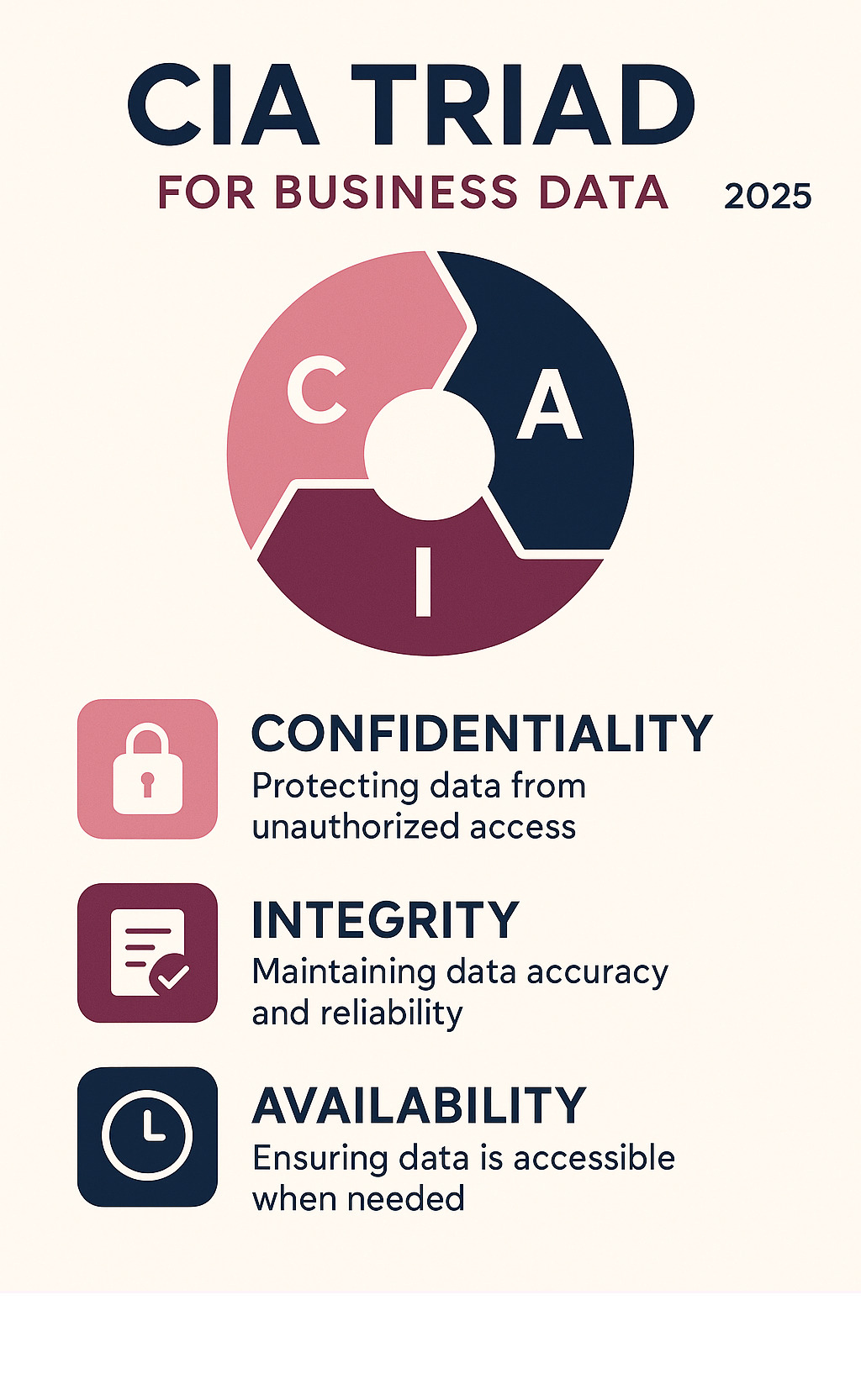
Secure computer vocab to learn:
Understanding the Digital Battlefield: Common Cyber Threats and Vulnerabilities
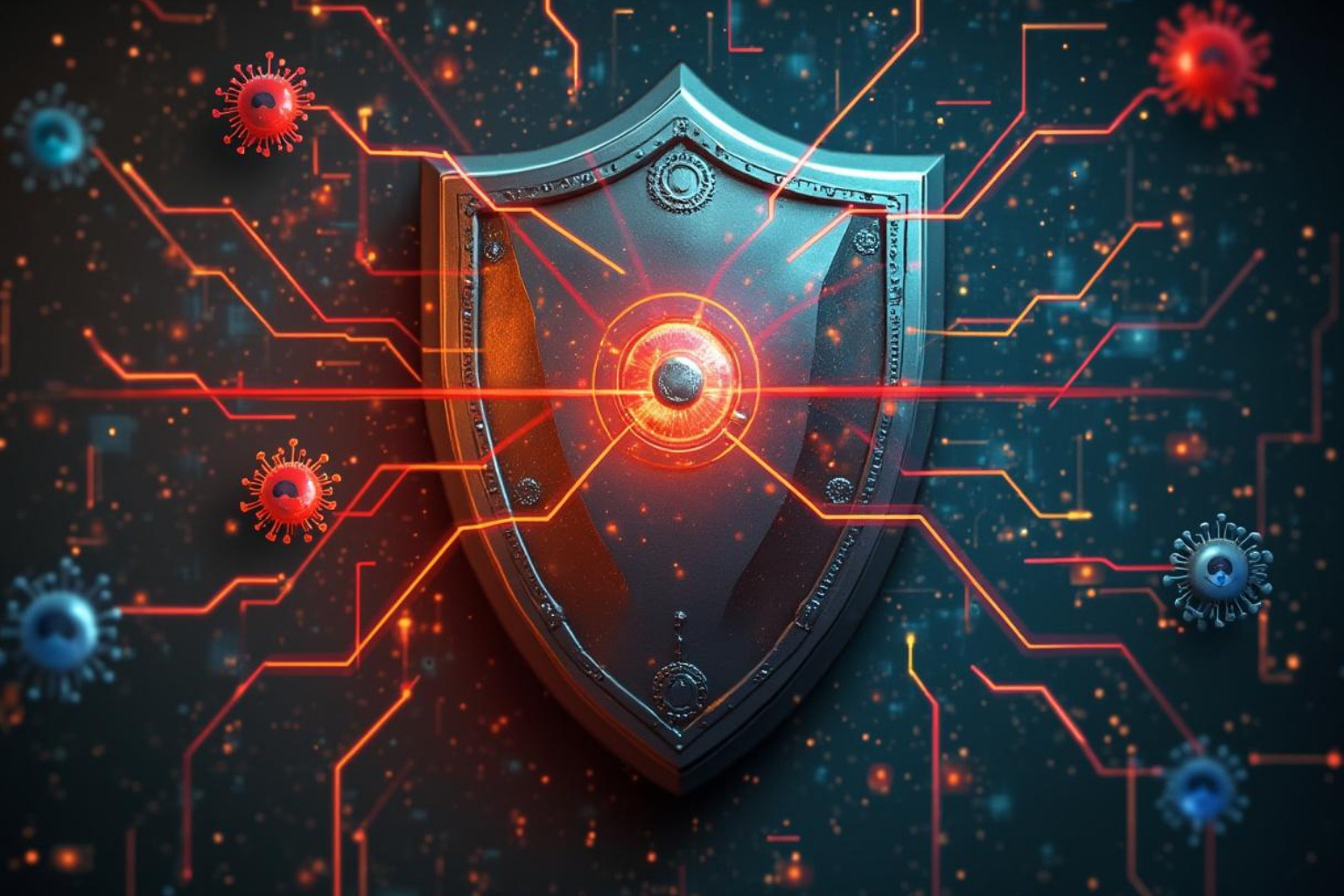
To build a secure computer setup, you must first know your digital adversaries. Cyber threats are constantly evolving, but understanding the common types helps you prioritize your defenses. We’re talking about everything from malware and ransomware to phishing scams and social engineering.
These threats can disrupt your business, steal data, and damage your reputation. The human element is often the weakest link, accounting for a vast majority of security incidents. This means educating yourself and your team is absolutely essential.
What is Malware?
“Malware” (malicious software) is designed to disrupt, damage, or gain unauthorized access to your computer. It comes in many forms:
- Viruses: Attach to legitimate programs and spread when they run. They can destroy data or slow your computer.
- Worms: Self-replicating programs that travel across networks on their own, consuming bandwidth and slowing everything down.
- Trojans (Trojan Horses): Disguised as legitimate software, they create “backdoors” for attackers to sneak into your system.
- Ransomware: One of the most dangerous threats, it encrypts your files and demands a ransom for their release. For small businesses, this is a huge risk.
- Spyware: Installs itself secretly to watch your online activities and collect personal information. Keyloggers record everything you type, including passwords.
- Adware: Bombards you with unwanted pop-up ads, slowing your system and compromising privacy.
Malware often spreads when users click a suspicious link or open a malicious email attachment. Constant vigilance is required.
What is Malware? – The Entrepreneurs Resource
What are Phishing and Social Engineering?
These threats prey on human psychology, tricking you into revealing sensitive information.
- Phishing Scams: Deceptive attempts to “fish” for your information by impersonating a trusted entity like your bank. You might get an urgent email asking for your password or other personal details. These emails often have sensational subject lines or odd misspellings.
- CEO Fraud: A targeted form of phishing where an attacker impersonates a high-level executive to trick an employee into making an urgent wire transfer or sending confidential data.
- Social Engineering: A broader term for manipulating people into giving up confidential information. It could be a phone call from someone pretending to be IT support asking for your password. Legitimate services will never ask for your password directly.
These attacks highlight why employee education is crucial. Be suspicious of unexpected emails, verify the sender, and never click on links or open attachments from unfamiliar sources. When in doubt, go directly to a company’s website by typing the address yourself.
Protect yourself from phishing – The Entrepreneurs Cybersecurity Awareness Guide
More info about protecting your business from scams
Your First Line of Defense: Essential Security Best Practices
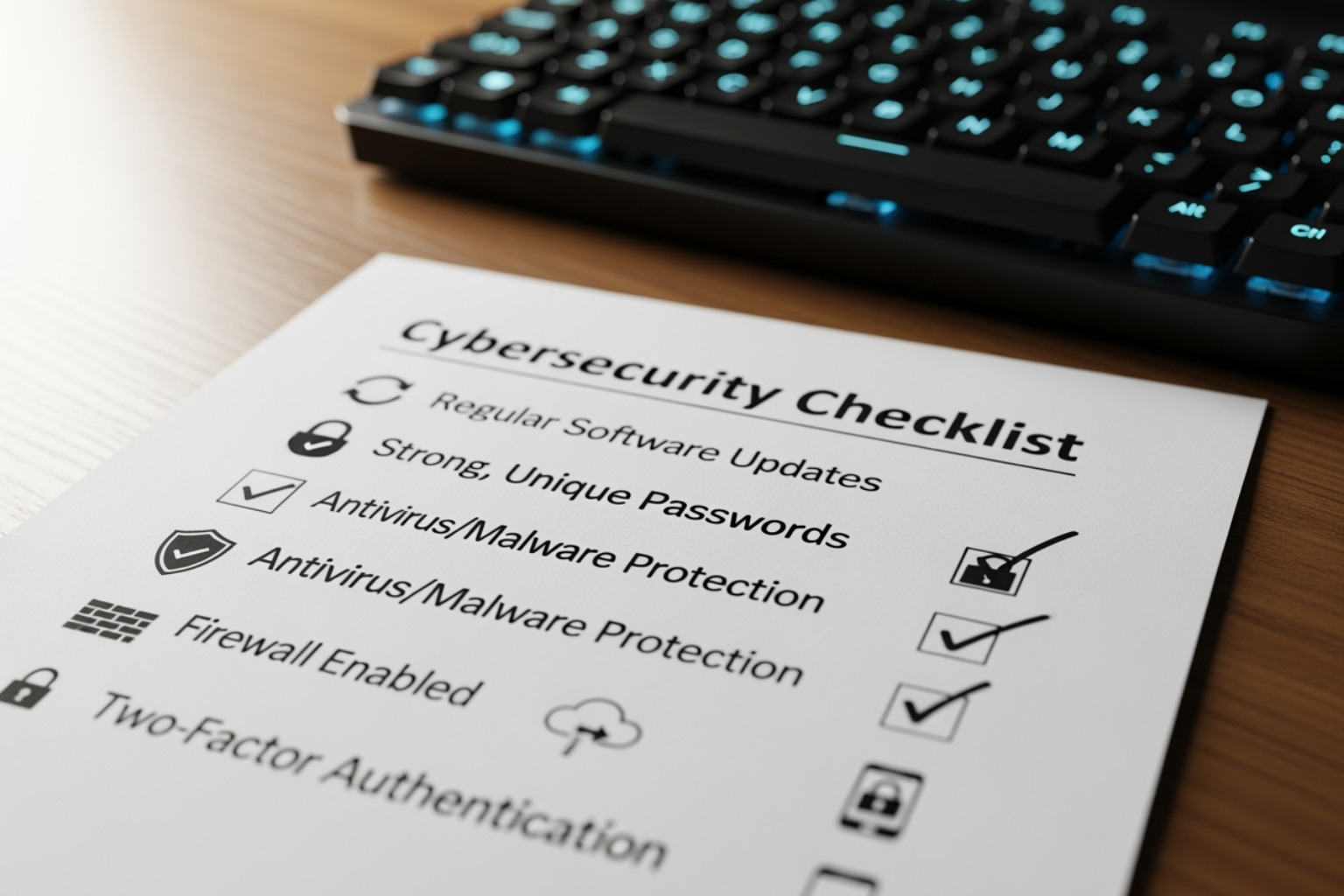
Now that you know the threats, let’s focus on defense. These next steps are your essential toolkit for building a secure computer. They are smart, proactive habits—often called “cyber hygiene”—that form the foundation of your digital protection.
Keep Your Software and Operating System Updated
This is foundational. Software updates aren’t just for new features; they contain vital security patches that fix vulnerabilities hackers exploit. Delaying updates for your operating system (Windows updates or macOS) or applications leaves your computer vulnerable. The best practice is to turn on automated updates for everything and restart your computer regularly to ensure they apply correctly. An unprotected computer can be infected within minutes of going online.
Ready to check your update status? The Entrepreneurs IT Support can help you out: Check your system’s update status – The Entrepreneurs IT Support
Create Strong Logins with Passwords and Multi-Factor Authentication (MFA)
Your passwords are the keys to your digital kingdom. A strong password should be long (at least eight characters), complex (using a mix of cases, numbers, and symbols), and unique for every account. Consider using a passphrase for better security and memorability. To manage them all, use a password manager.
For the ultimate protection, enable Multi-Factor Authentication (MFA), also known as Two-Factor Authentication (2FA). This adds a second verification step beyond your password, such as a code sent to your phone, a fingerprint scan (biometrics), or an authentication app. Even if a hacker steals your password, MFA stops them. Enable it on all critical accounts.
Want more tips on securing your logins? Check out The Entrepreneurs Security Tips: Lock Down Your Login – The Entrepreneurs Security Tips
Install and Maintain Reputable Security Software
Even with good habits, you need digital bodyguards. Antivirus/anti-malware software is essential. It constantly scans your secure computer for malicious programs and removes threats. Ensure your antivirus is always running and set to update daily.
Next, use a firewall. A firewall acts as a digital bouncer between your computer and the internet, blocking suspicious traffic and preventing unauthorized access. Most operating systems have a built-in firewall; make sure it’s always enabled.
Curious why security software matters so much? The Entrepreneurs Guide has the answers: Why security software matters – The Entrepreneurs Guide
Practice Safe Browsing and Email Habits
Your daily online activities are a common entry point for threats. Be wary of unsolicited emails, especially those with attachments or links. Never click on anything from an unfamiliar sender. If an email looks suspicious, verify its legitimacy through another channel.
For safe browsing, look for “https://” and a padlock icon in your browser’s address bar, especially on sites where you enter personal information. Avoid using public Wi-Fi for sensitive transactions. If you must, use a Virtual Private Network (VPN) to encrypt your connection. A little common sense and a healthy dose of suspicion are your best allies.
For more practical tips on safe browsing, visit The Entrepreneurs: Practical tips for safe browsing – The Entrepreneurs
Building a Fortress: How to Get a Truly Secure Computer
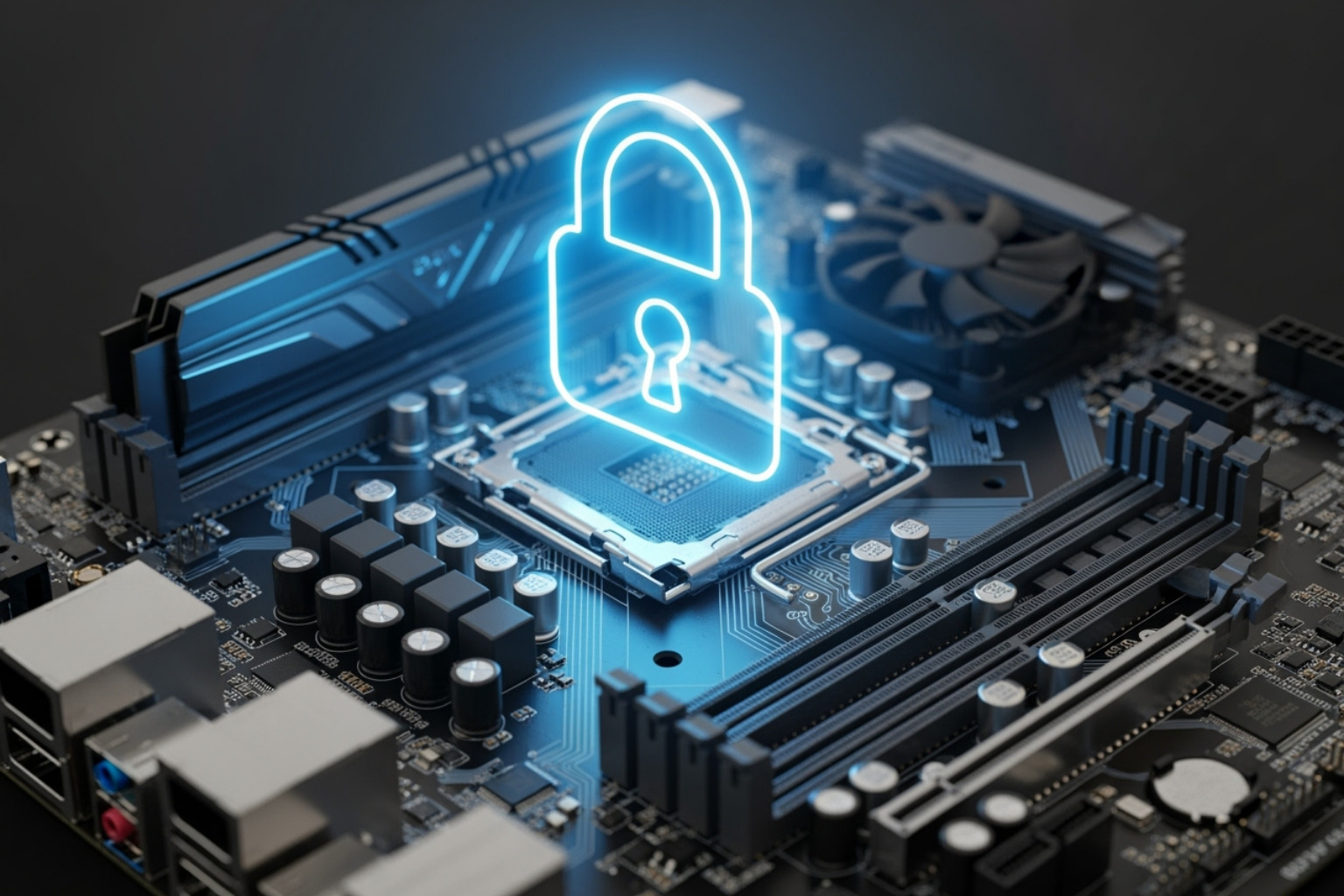
Beyond daily habits, the foundation of your computing environment is critical. A truly secure computer has security features built into its hardware and operating system. These are essential layers that make your device tougher against sophisticated attacks.
Choosing a Secure Operating System
No OS is 100% immune, but some offer inherent security advantages. Windows, the most popular OS, is a prime target, but modern versions (Windows 10 and 11) have robust built-in security like Windows Defender and BitLocker encryption. macOS has a reputation for security due to its closed ecosystem, but as its popularity has grown, so have the threats targeting it. Linux is favored by tech pros for its security but often requires more technical know-how.
For most entrepreneurs, the most secure computer OS is a modern version of Windows or macOS that is kept updated and used responsibly.
Choosing the right OS for your business – The Entrepreneurs
Key Hardware and Software Features for a Secure Computer
Modern computers are built with security in mind. Look for these features:
- Trusted Platform Module (TPM): A secure cryptoprocessor chip that acts as a hardware vault for encryption keys and passwords. It’s crucial for protecting data from tampering, especially during startup.
- Biometric scanners: Fingerprint readers and facial recognition (like Windows Hello or Face ID) offer convenient and secure logins, reducing reliance on passwords.
- Full-Disk Encryption (FDE): Encrypts everything on your hard drive, making data unreadable if your device is lost or stolen. Windows BitLocker and macOS FileVault 2 are prime examples.
- Secure Boot and UEFI: This modern startup process prevents malicious software from loading when your computer boots up, ensuring only trusted software can run.
- Hardware-level privacy features: Some laptops include physical webcam shutters or presence-detection that locks your device when you step away, adding physical security.
Choosing a computer with these features is an essential investment in your security.
Learn about secure authentication – The Entrepreneurs Security Tips
The Importance of a Secure Computer Supply Chain
Even the best hardware can be compromised before it reaches you. Risks include hardware tampering during shipping or pre-installed malware on devices from less reputable vendors. The solution is simple: always purchase your computers and components from trusted vendors and authorized resellers. Avoid “too good to be true” deals from unknown sources, as they often carry hidden risks that could cost you far more in the long run. Sticking with well-known brands is your best bet for a secure computer from day one.
Supply chain security for businesses – The Entrepreneurs
Beyond the Basics: Advanced Steps for Protecting Your Business and Privacy
Once you’ve mastered the basics, it’s time for advanced security layers. No single step can stop every threat, but combining multiple practices builds a powerful defense. These moves are about protecting data, ensuring business continuity, and building digital resilience.
Encrypt Your Hard Drive and Sensitive Files
Encryption turns your data into an unreadable code without the correct key. Full-disk encryption tools like BitLocker (Windows) and FileVault 2 (macOS) are essential. They encrypt your entire hard drive, protecting all your business data from physical theft if your laptop is lost or stolen. This protects your data “at rest.” For extra security, you can also use software to encrypt individual sensitive files or folders.
Encryption solutions for business – The Entrepreneurs
Implement a Rock-Solid Data Backup Strategy
What if something goes wrong despite your best efforts? A hard drive crash or ransomware attack can be devastating. Backups are your ultimate safety net. Follow the 3-2-1 Backup Rule:
- 3 copies of your data: The original plus two backups.
- 2 different media types: For example, an external hard drive and cloud storage.
- 1 copy offsite: Keep one backup in a different physical location to protect against local disasters like fire or flood.
Cloud backups are great for offsite storage and recovering from ransomware. Local backups offer quick file access. A full disaster recovery plan outlines how to get your business running again after any disruption. Crucially, test your backups periodically to ensure they work when you need them most.
Backup strategies for SMEs – The Entrepreneurs
Use a Virtual Private Network (VPN)
A VPN creates a private, encrypted tunnel for your internet traffic. It’s a vital tool if you work remotely or use public Wi-Fi. A VPN encrypts your connection, preventing hackers on insecure networks from snooping on your activity. It’s a must-have for securing public Wi-Fi and provides a secure connection for remote employees accessing company servers. A VPN also improves privacy by hiding your IP address, making it harder for websites to track you.
VPN solutions for business – The Entrepreneurs
Control User Access and Permissions
This step is based on the “principle of least privilege”: give users only the minimum access they need to do their job. For daily work, always use a standard user account on your secure computer, not an administrator account. An admin account has total control, and if malware infects your system while you’re using it, the damage can be far greater.
For businesses with employees, use Role-Based Access Control (RBAC) to assign permissions based on job roles. Finally, employee training is critical. Explain why these restrictions are in place to prevent internal security breaches, which are surprisingly common.
Role-Based Access Control for SMEs – The Entrepreneurs
Frequently Asked Questions about Computer Security
It’s natural to have questions about digital safety. Let’s tackle some of the most common ones.
What is the single most important thing I can do to keep my computer secure?
If we had to pick one, it’s a tie between two essentials: enabling Multi-Factor Authentication (MFA) on all accounts and keeping all software updated automatically. MFA adds a crucial verification step that stops password thieves, while updates patch security holes before attackers can exploit them.
However, there’s no single magic bullet. True security for your secure computer is a continuous journey. The human element is often the weakest link, so ongoing cyber security awareness for you and your team is the most impactful long-term strategy.
Are Macs really safer than Windows PCs?
Historically, Macs were less targeted due to their smaller market share, a concept known as ‘security through obscurity.’ However, as Macs have grown in popularity, so have the threats against them. Today, both platforms are targets. The security of your secure computer depends far more on your behavior and good security habits than on the operating system itself.
Do I still need to install antivirus software if my operating system already has it?
For most users, built-in tools like Microsoft Defender Antivirus offer robust protection. However, the concept of “layered security” (or “defense-in-depth”) suggests that multiple security measures provide better protection. Some third-party antivirus solutions offer advanced features like protection against “zero-day threats” (brand-new vulnerabilities) or identity theft protection.
For entrepreneurs handling sensitive data, a supplemental antivirus solution can be a worthwhile investment for extra peace of mind. It depends on your specific risk profile.
Conclusion
Securing your secure computer and business is an ongoing journey, not a one-time task. The digital world is always changing, but by adopting a proactive security mindset and consistently applying best practices, you build a formidable defense. You don’t need to be a tech expert—you need awareness, good habits, and the right tools.
Every step you take makes a difference. Creating strong passwords, enabling MFA, keeping software updated, and maintaining a solid backup strategy all contribute to a more resilient business. Don’t forget the power of employee training, as your team is a critical part of your security posture.
At TheEntrepreneurs.net, we’re passionate about empowering you with actionable advice. By making computer security a priority, you’re safeguarding your livelihood, reputation, and continued success. Stay vigilant and keep building your digital resilience.
More info about business technology guides